
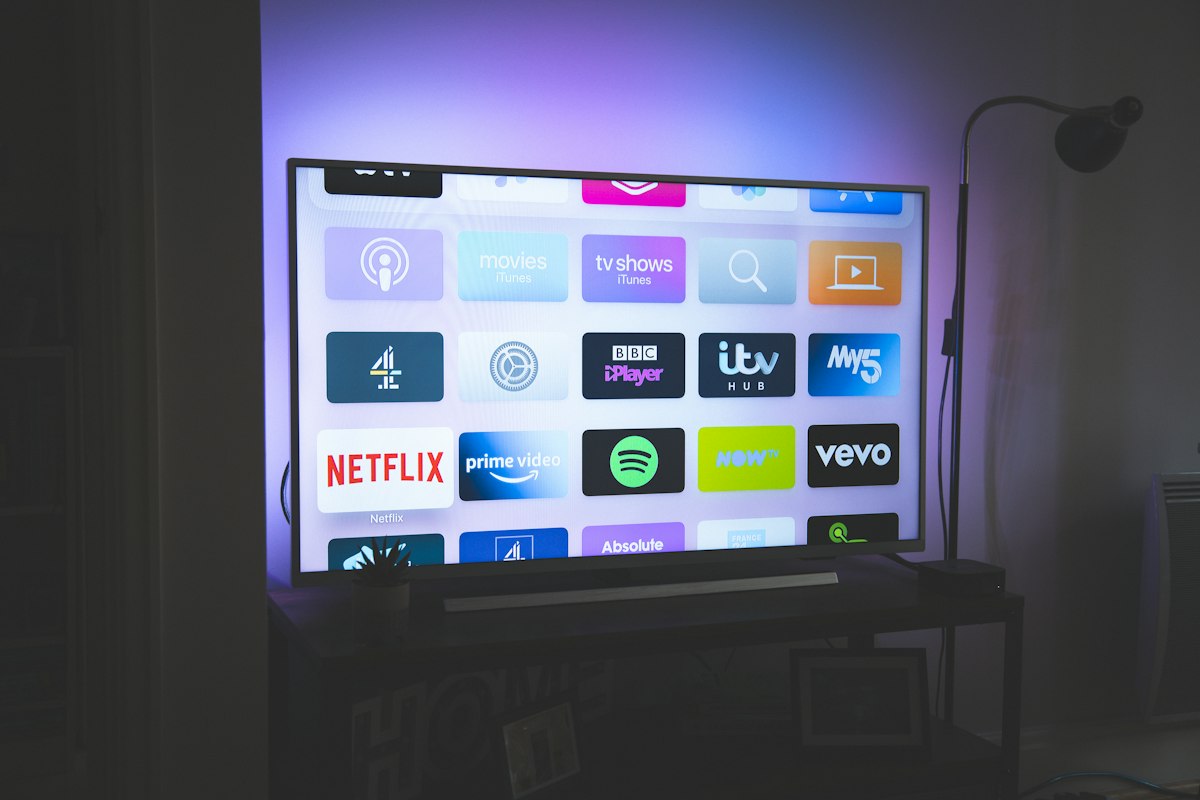
Choosing the right Smart TV can make or break your IPTV experience. The best TVs for IPTV offer stunning picture quality, fast processors for smooth app performance, reliable WiFi and Ethernet connectivity, and support for the latest streaming apps. In this comprehensive review, we'll cover the top Smart TVs for IPTV in 2026, comparing their features, performance, and value to help you make the right choice.
What to Look for in an IPTV Smart TV
Before diving into specific models, here are the key features that matter most for IPTV streaming:
- Operating System — Tizen (Samsung), webOS (LG), Google TV (Sony/Android), or Fire TV. Some OS platforms have better app support than others.
- Processor & RAM — A fast processor ensures smooth EPG navigation and quick channel switching. Look for at least 2GB RAM.
- Connectivity — Ethernet port is essential for stable IPTV. WiFi 6 or WiFi 6E for wireless streaming.
- Display Quality — QLED or OLED panels with HDR support for the best picture.
- App Store — Access to IPTV player apps like IPTV Smarters, TiviMate, or Smart IPTV (SIPTV).
1. Samsung QLED QN90D — Best Overall for IPTV
The Samsung QN90D Neo QLED is our top pick for IPTV streaming. Samsung's Tizen OS has the widest IPTV app support, including native apps like Smart IPTV (SIPTV) and IPTV Smarters. The Neo QLED panel delivers incredible brightness and color accuracy, while the NQ4 AI processor ensures smooth performance even with 4K streams.
Key Specs: Neo QLED panel, 4K/120Hz, Wi-Fi 6E, Ethernet, 3 HDMI 2.1 specification ports, Tizen OS, SmartThings hub integration.
- Pros: Excellent brightness, wide viewing angles, built-in SmartThings hub, fast Tizen OS, SIPTV app available
- Cons: Premium price, no Dolby Vision support, stand could be sturdier
2. LG OLED C4 — Best Picture Quality
The LG OLED C4 offers the best picture quality for IPTV thanks to perfect blacks, infinite contrast ratio, and Dolby Vision support. LG's webOS platform supports IPTV apps through the LG Content Store, and the Alpha 9 processor handles 4K upscaling beautifully. If you watch a lot of content in dim rooms, the OLED panel is unmatched.
Key Specs: OLED evo panel, 4K/120Hz, Wi-Fi 6E, 4 HDMI 2.1 ports, webOS 24, Dolby Vision & Atmos.
- Pros: Perfect blacks, incredible contrast, Dolby Vision support, fast webOS, excellent gaming features
- Cons: Risk of burn-in with static content, lower peak brightness than QLED, expensive
If you watch a lot of IPTV with static elements like channel logos, EPG overlays, or news tickers, be aware that OLED panels can develop burn-in over time. Samsung QLED TVs are immune to burn-in. Consider this if you leave IPTV channels running for extended periods.
3. Sony Bravia XR A95L — Best Premium Choice
The Sony Bravia XR A95L is Sony's flagship QD-OLED TV and represents the pinnacle of picture quality. Running Google TV, it has full access to the Google Play Store for IPTV apps. Sony's Cognitive Processor XR delivers stunning upscaling and color processing. If budget isn't a concern and you want the absolute best, this is it.
Key Specs: QD-OLED panel, 4K/120Hz, Wi-Fi 6E, Google TV, Dolby Vision & Atmos, Acoustic Surface Audio.
- Pros: Best-in-class color accuracy, Google TV with full app store, Acoustic Surface Audio (screen vibrates as speaker)
- Cons: Very expensive, Google TV can be slow at times, limited HDMI 2.1 ports
4. Best Budget Option: TCL C845 — Best Value for IPTV
The TCL C845 proves you don't need to spend a fortune for great IPTV. This Mini LED TV offers excellent HDR performance, runs Google TV with full access to IPTV apps, and comes at a fraction of the price of Samsung or LG flagships. It's the perfect choice for budget-conscious viewers who still want a premium experience.
Key Specs: Mini LED, 4K/144Hz, Wi-Fi 6, Google TV, Dolby Vision & Atmos, Game Mode.
- Pros: Incredible value, excellent HDR, Google TV app store, 144Hz for gaming, solid build quality
- Cons: Viewing angles not as wide as OLED, built-in speakers are average, limited smart home integration
Comparison Table
| TV Model | Panel Type | OS | WiFi | Ethernet | Price Range | Best For |
|---|---|---|---|---|---|---|
| Samsung QN90D | Neo QLED | Tizen | Wi-Fi 6E | Yes | $$$$ | Best overall IPTV |
| LG OLED C4 | OLED | webOS | Wi-Fi 6E | Yes | $$$$ | Best picture quality |
| Sony A95L | QD-OLED | Google TV | Wi-Fi 6E | Yes | $$$$$ | Best premium choice |
| TCL C845 | Mini LED | Google TV | Wi-Fi 6 | Yes | $$ | Best value |
Always connect your Smart TV via Ethernet for IPTV. Even the best WiFi can introduce micro-stutters during live sports or HD streams. If your TV is far from the router, consider a powerline adapter or MoCA adapter to get a wired connection without running cables through walls.
Android TV / Google TV: A Note on App Support
If your current Smart TV doesn't support IPTV apps natively, you can always add an Android TV box or Amazon Firestick to any TV with an HDMI port. This gives you access to the full Google Play Store or Amazon App Store, including all major IPTV player apps. It's also a great option for older Smart TVs with sluggish processors or limited app stores.
- NVIDIA Shield TV Pro — The most powerful Android TV device, perfect for 4K IPTV
- Chromecast with Google TV — Affordable, supports 4K, runs Google TV
- Amazon Fire TV Stick 4K Max — Best budget option with excellent performance
- Formuler Z11 Pro — Dedicated IPTV box with MyTVOnline2 app
Frequently Asked Questions
Do I need a Smart TV for IPTV?
No. You can use any TV with an HDMI port by connecting a streaming device like a Firestick, Android TV box, or Apple TV. Smart TVs offer the convenience of built-in apps, but external devices often provide better performance and more app options.
Which Smart TV OS is best for IPTV?
Tizen (Samsung) and Google TV offer the best IPTV app support. Tizen has the Smart IPTV (SIPTV) app natively available, while Google TV gives you access to the full Google Play Store including IPTV Smarters, TiviMate, and more. webOS (LG) also supports IPTV apps but with a slightly more limited selection.
What size TV is best for IPTV?
For most living rooms, a 55-inch or 65-inch TV is ideal. If you sit more than 10 feet from the TV, consider 75 inches. For 4K IPTV content, you can sit closer to a larger screen without seeing individual pixels, unlike older 1080p TVs.
Do Smart TVs have Ethernet ports?
Most mid-range and premium Smart TVs include an Ethernet port. Budget models sometimes omit it to cut costs. If your TV doesn't have one, you can use a USB-to-Ethernet adapter or a streaming device that includes an Ethernet port.
How long do Smart TVs last?
A quality Smart TV typically lasts 7-10 years. OLED TVs may last slightly less due to panel degradation over time, while LED/QLED TVs tend to be more durable. The smart platform may become outdated before the panel wears out — adding an external streaming device can extend your TV's useful life.
Conclusion
The best Smart TV for IPTV depends on your budget, viewing habits, and room setup. The Samsung QN90D is our top overall pick thanks to its bright QLED panel, fast Tizen OS, and excellent IPTV app support. For the best picture, the LG OLED C4 is unmatched. And if you're on a budget, the TCL C845 delivers exceptional value. Whichever TV you choose, remember to connect it via Ethernet and pair it with a quality IPTV provider for the best experience.
Ready to pair your new TV with premium IPTV? Explore Earnest IPTV plans and start streaming today!