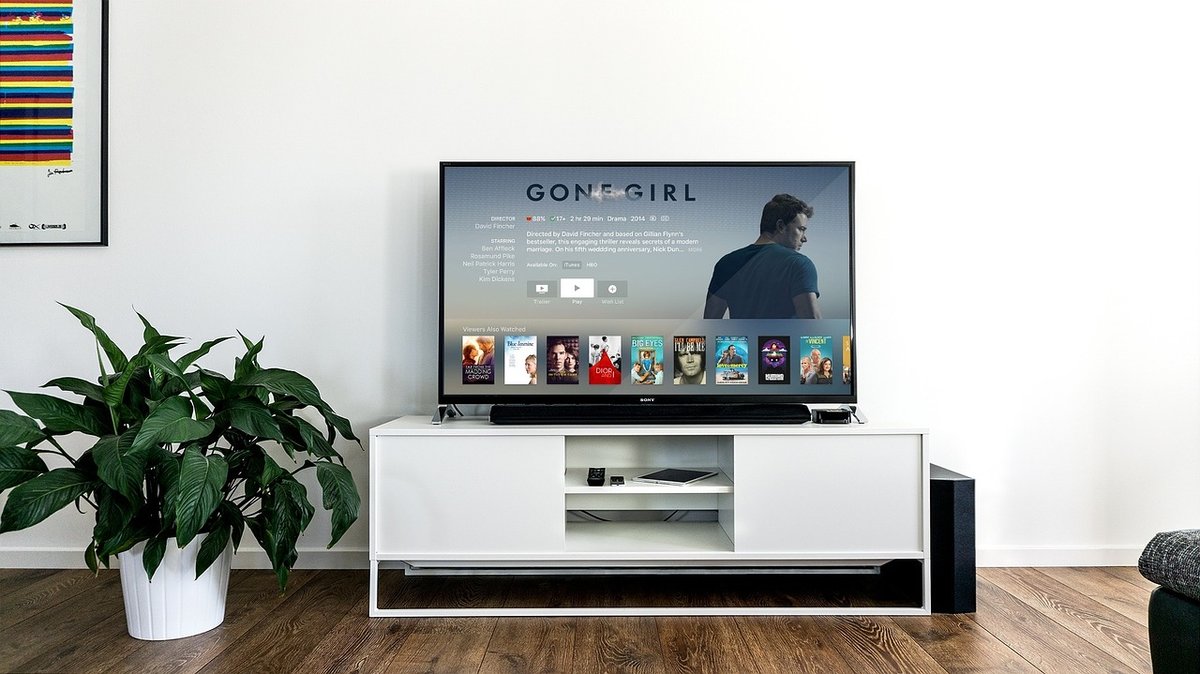
Your home already runs on automation. Wouldn't it be useful to start live TV with a voice command, dim the lights for match night, and have the IPTV app on the correct TV automatically? This guide shows how to integrate IPTV into Alexa, Google Assistant and Home Assistant — safely, locally, and without giving your provider your home network.
Three realistic integrations
Voice launching apps via smart TV
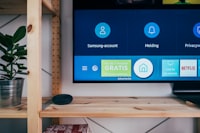
Alexa and Google Assistant can launch apps on Fire TV 4K, Smart TVs and Android TV by name. "Alexa, open IPTV Smarters on Living Room" works if the device is linked in your account. No provider integration required.
IR/Wi-Fi universal remote (Broadlink)
Broadlink RM4 / RM4 Pro learn IR and control any TV or AV receiver. Home Assistant exposes it as a switch. Combined with a media-player entity, you can script theme by scene.
Home Assistant automations
Use media_player.select_source, media_player.turn_on, scene activation of lights and blinds. Suggested scenes: "Match Night", "News", "Kids TV" (with parental control URI).
Never expose your IPTV login inside a voice skill or third-party hub. Launch the app, then let the user enter credentials only on the TV itself. Treat M3U URLs like Wi-Fi passwords.
Example automations
| Trigger | Action |
|---|---|
| "Alexa, match night" | TV → power on, source to IPTV app, living-room lights dim to 20%, blinds closed, sound system input changed |
| 19:00 weekdays | TV turns on to news channel automatically, volume low |
| Kids bedtime | Children's TV turns off; parental PIN lock engaged |
Caveats
- Voice assistant control is coarse — channel selection via voice rarely maps cleanly to EPG IDs.
- App UI may not be exposed — some players lack deep-link intents, in which case automation can only open/close them, not switch channel groups.
- Network segmentation — put smart-home hubs and media players on the same VLAN and firewall the hubs from direct internet access.
If you expose IPTV streams over the internet (Plex Live TV, Jellyfin remote), authenticate every request, restrict by IP, and use TLS. Unsecured live TV endpoints leak viewable streams and count as open hotlinks.
Build from existing scenes
Start with two scenes you actually use (e.g. match night and news-lunch), then add more. Fancy automation without daily use becomes maintenance debt, not value.